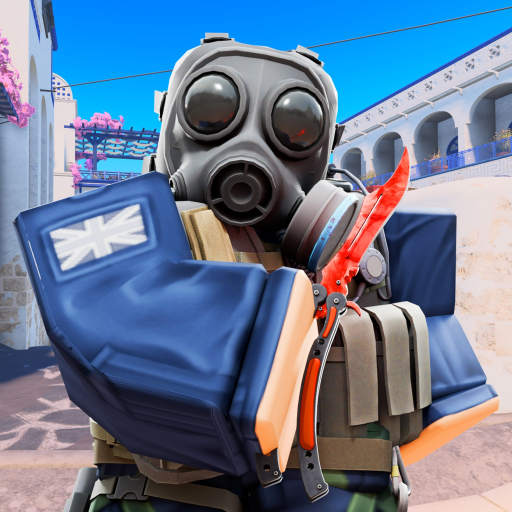
Check the live Roblox page
The Roblox game page is the first place to confirm the current title, availability, game description, and visible update signals.
Use this hub to follow BloxStrike update names, reported code leads, maps, knives, cosmetics, and trading changes without mistaking a video title or tracker entry for official patch notes.
The Roblox game page is the first place to confirm the current title, availability, game description, and visible update signals.
A new update can bring code discussions, but each code still needs a clear in-game or creator-owned status before it is listed as active.
Review maps, cosmetics, case pools, and trade rules in the live client before changing your strategy or accepting a value claim.
The NEBULA page separates the official title signal from reported code, knife, map, and trading discussion.
Read the current status notes for NEBULA, TRADINGRELEASE, BLOXSTRIKEXMEDAL, knives, map terms, and trading conversations.
See collected active codes and reported names that still need a live check.
MapsUse map notes for names, callouts, lanes, and current-layout cautions.
CosmeticsKeep current case and cosmetic information separate from old community screenshots.
Start with the official Roblox game page and creator-owned channels. Use update pages to understand which code, map, knife, or trading claims are still being checked.
No. An update name or video mention does not confirm a redeemable code, reward, or expiry. Check the codes page and the live game before relying on a claim.